
Documentation

Getting Started

Learn how to set up Modularity Engine and create your first project.

Overview

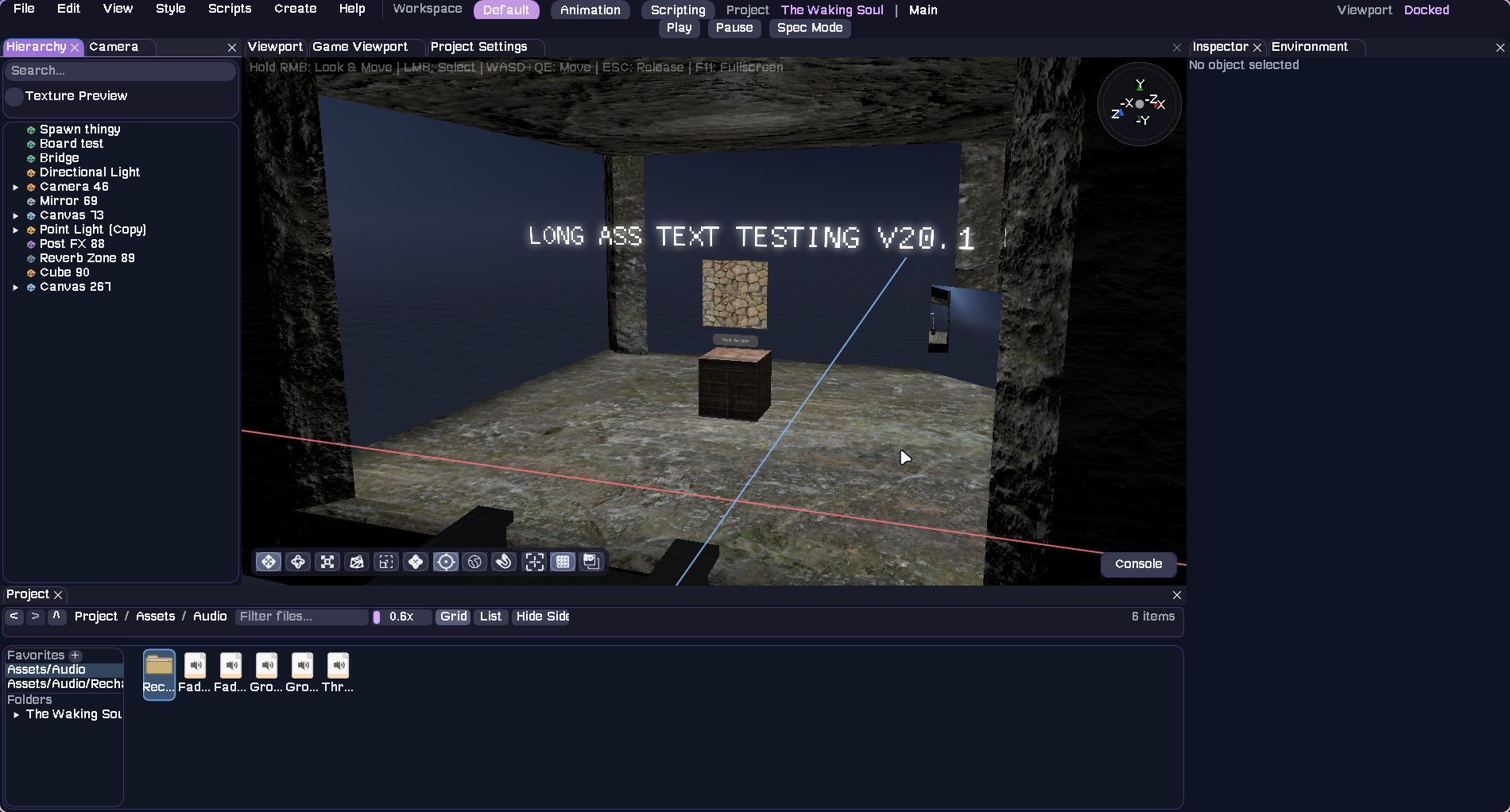
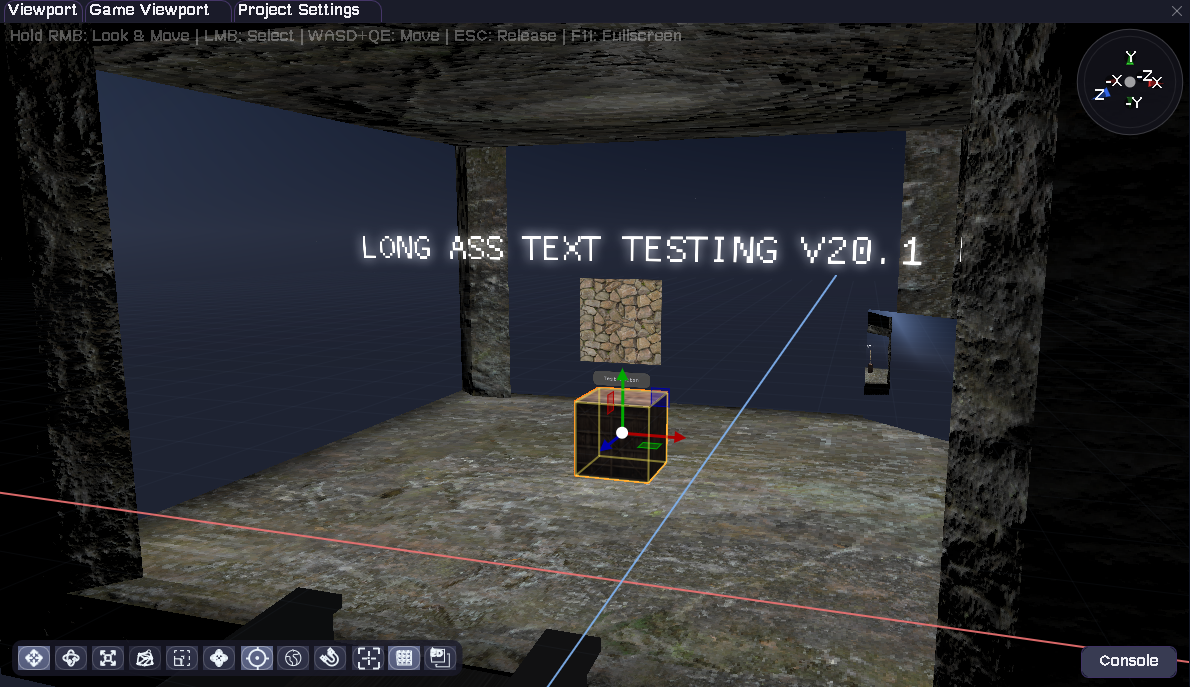
Modularity is a native C++ engine with an integrated editor. The core is built around:

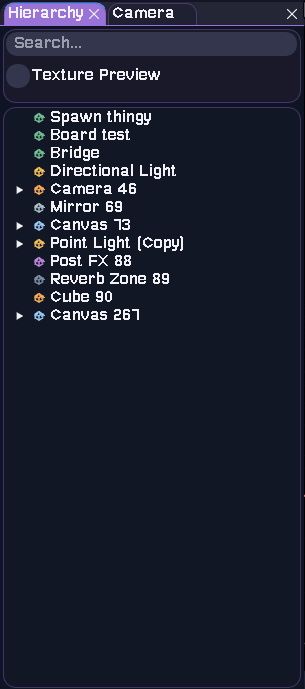
  • A scene graph made of SceneObject instances with component-style flags/data.
  • An OpenGL renderer with post-processing and UI rendering.
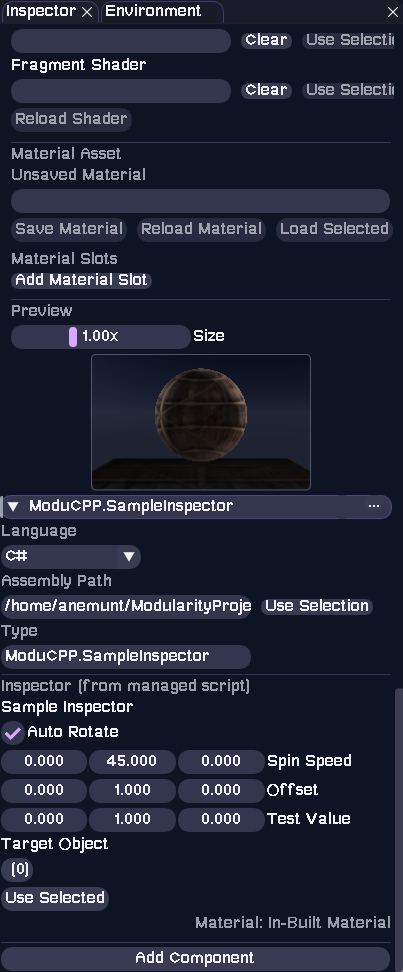
  • A scripting system that hot-compiles native C++/C into shared libraries and optionally hosts managed C# via Mono.
  • Optional PhysX-based 3D physics, plus a lightweight built-in 2D simulation.
  • Audio via miniaudio with spatial playback and reverb zones.

Build and Run

Primary Build Scripts

Use the provided scripts for a full editor + player build:

  • build.sh (Linux/macOS) and build.bat (Windows)

These scripts handle the following:

  • Initializes git submodules.
  • Builds the editor in build/.
  • Builds a player-only target in build/player-cache/.
  • Copies built libraries into Packages/Engine and Packages/ThirdParty inside each build folder.

CMake Options

These options are defined in CMakeLists.txt:

MODULARITY_BUILD_EDITOR    # default ON - build the editor target
MODULARITY_ENABLE_PHYSX    # default ON - enable PhysX integration
MODULARITY_USE_MONO        # default ON - enable Mono embedding for managed scripts
MONO_ROOT                  # explicit Mono runtime path if not using the bundled one

Entry Points

  • Editor: src/main.cpp
  • Player: src/main_player.cpp

Both set the working directory to the executable location before engine init.

Project Layout

New projects are created with a consistent directory structure (see Project::create):

Project Structuretext
YourProject/
  Assets/
    Scenes/
    Scripts/
      Runtime/
      Editor/
    Models/
    Shaders/
    Materials/
  Library/
    CompiledScripts/
    InstalledPackages/
    ScriptTemp/
    Temp/
  ProjectUserSettings/
    ProjectLayout/
    ScriptSettings/
  Scripts/
    Managed/            # optional, created when managed C# scripting is set up
  project.modu
  scripts.modu
  packages.modu

Key Files

  • project.modu - Project name + last opened scene.
  • scripts.modu - Native script build configuration (legacy Scripts.modu is still detected).
  • packages.modu - Script dependency manifest.
  • Scenes live in Assets/Scenes with extension .scene.